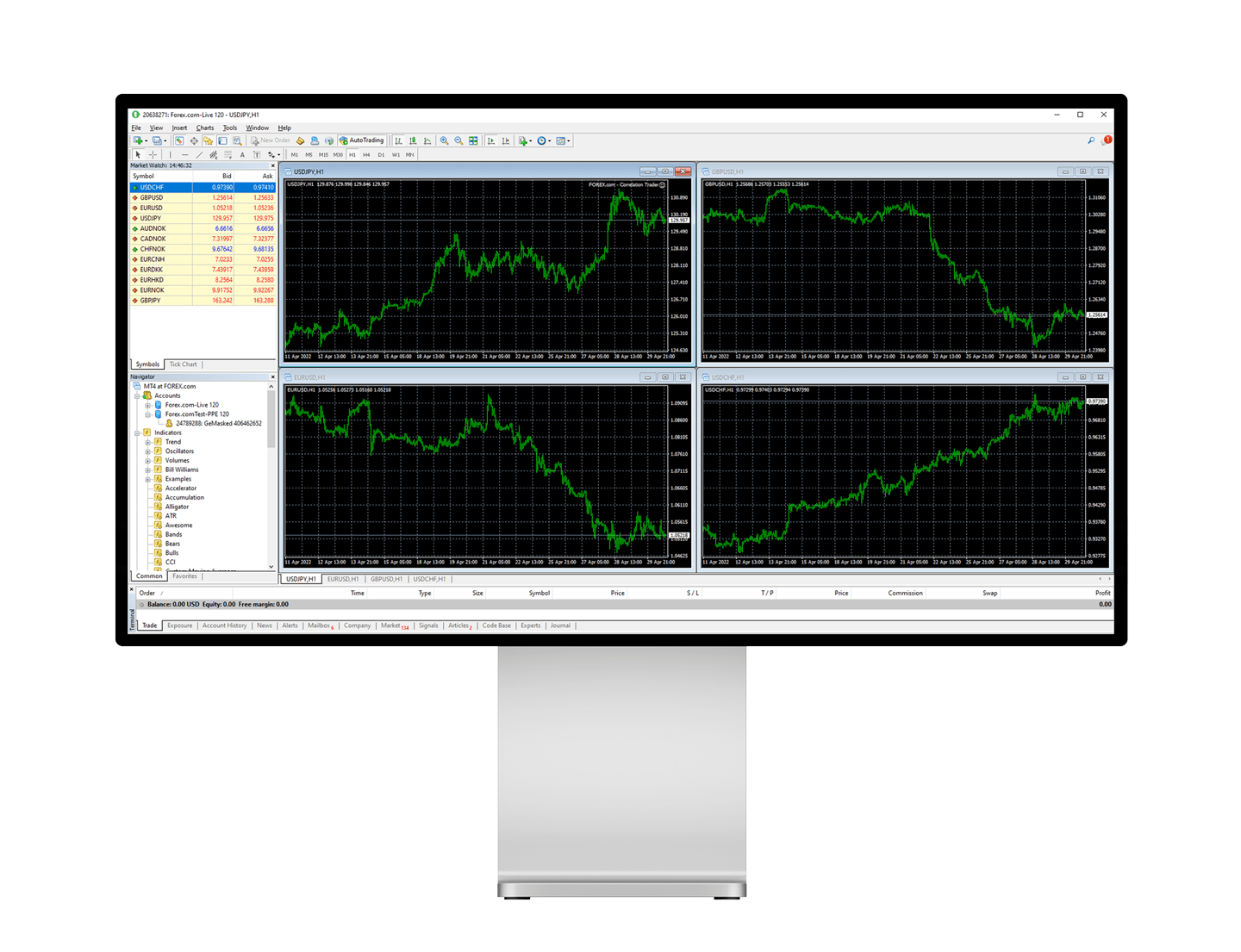
MetaTrader 4 (MT4) is one of the most popular trading platforms used by forex traders around the world. One of its standout features is its flexibility and customizability, particularly through the use of MQL4 (MetaQuotes Language 4). This programming language allows traders to create custom indicators, scripts, and automated trading strategies, known as Expert Advisors (EAs). In this article, we’ll explore how you can customize metatrader 4 for windows using MQL4 to enhance your trading experience.
Understanding MQL4
MQL4 is a high-level programming language based on the concepts of C++. It is specifically designed for developing trading robots, custom technical indicators, scripts, and libraries in the MT4 environment. Its syntax is straightforward, making it accessible for traders with basic programming knowledge.
Setting Up Your Environment
Before diving into the customization process, ensure you have the necessary tools:
1. MetaTrader 4 Platform: Download and install MT4 from your broker’s website or directly from MetaQuotes.
2. MetaEditor: This is the integrated development environment (IDE) within MT4 where you will write and compile your MQL4 code.
To access MetaEditor, open MT4, click on “Tools” in the menu bar, and select “MetaQuotes Language Editor.”
Creating a Simple Expert Advisor
Let’s start by creating a simple Expert Advisor (EA). EAs are programs that automate trading activities based on predefined criteria.
1. Open MetaEditor: Click on “New” to open the MQL4 Wizard.
2. Select Expert Advisor: Choose “Expert Advisor (template)” and click “Next.”
3. Name Your EA: Give your EA a name, such as “SimpleMovingAverageEA,” and click “Finish.”
The wizard generates a basic template with predefined functions:
• `OnInit()`: Initializes the EA.
• `OnDeinit()`: Cleans up when the EA is removed.
• `OnTick()`: Executes on every new tick (price change).
Here’s a simple example to get you started:
“`mql4
int shortSMA = 10;
int longSMA = 30;
double shortMA, longMA;
int OnInit()
return INIT_SUCCEEDED;
void OnTick() {
shortMA = iMA(NULL, 0, shortSMA, 0, MODE_SMA, PRICE_CLOSE, 0);
longMA = iMA(NULL, 0, longSMA, 0, MODE_SMA, PRICE_CLOSE, 0);
if (shortMA>longMA)
OrderSend(Symbol(), OP_BUY, 0.1, Ask, 2, 0, 0, “Buy Order”, 0, 0, Blue);
else if (shortMA